Real-Time Service Status

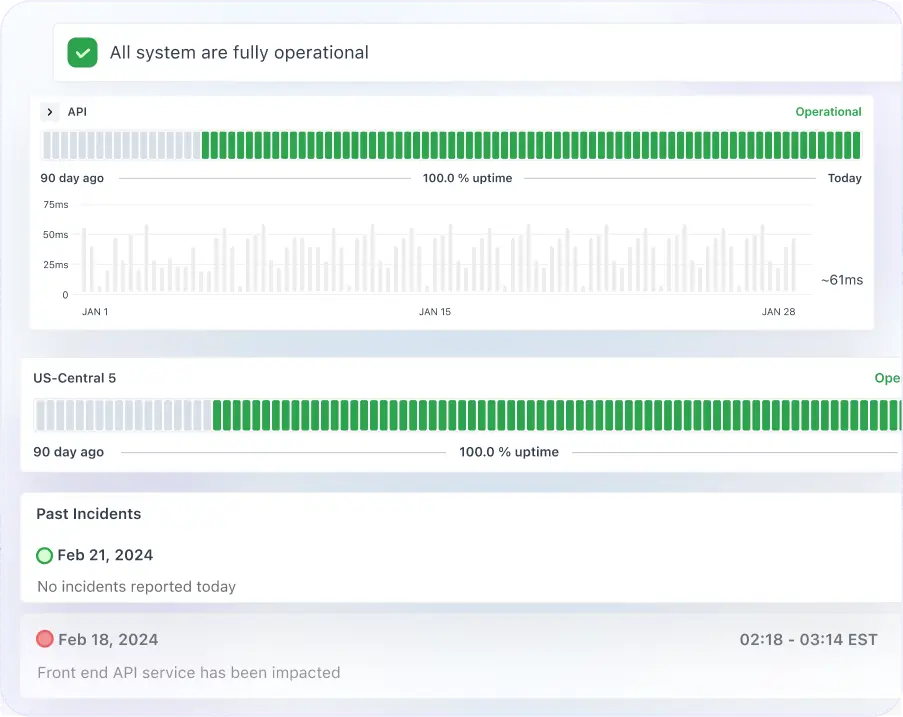
Easily communicate real-time status to your users about service health, uptime, incidents and maintenance in real time.

No credit card required

Trusted By Leading Companies

Middleware Logo
Status Page

Status Page Overview

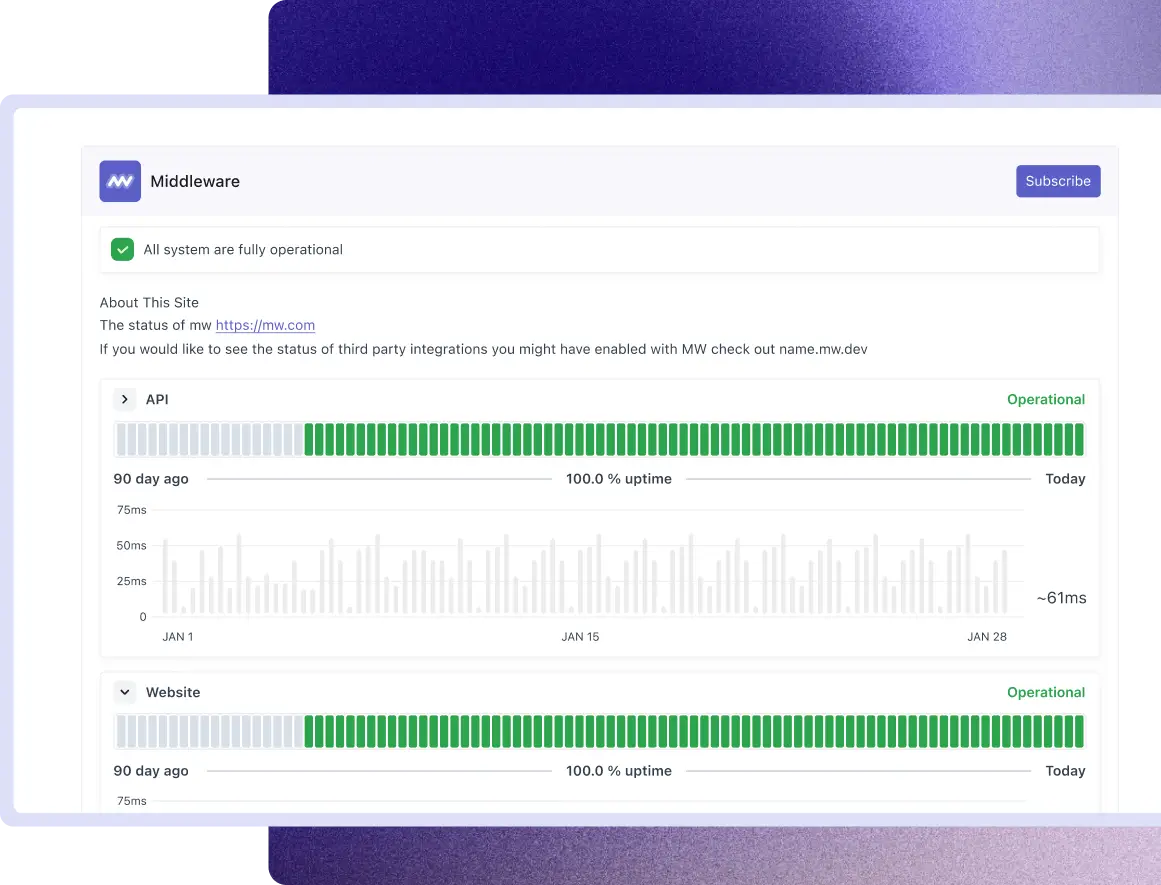
With Middleware Status Page, you can create a professional public status page that keeps your customers informed with real-time service health, uptime monitoring, incident updates, and maintenance notifications. Teams can showcase service availability, communicate incidents, manage subscriber notifications, and maintain a complete history of service.

  • Real-Time VisibilityReal-Time Visibility

  • Incident & Status BadgeIncident & Status Badge

  • Subscriber NotificationSubscriber Notification

  • Public Status PagePublic Status Page

  • Custom BrandingCustom Branding

Real Time Visibility

Keep Customers Informed With Real-Time Service Health

  • Connect services to existing Middleware Synthetic Monitors to display real-time health status.
  • Control which components of your service you show on your page.
  • Show service availability trends and uptime history for better transparency.
  • Provide customers with visibility into service performance without requiring separate status tracking.
Incident & Status Badge

Communicate Incidents and Share Live Status

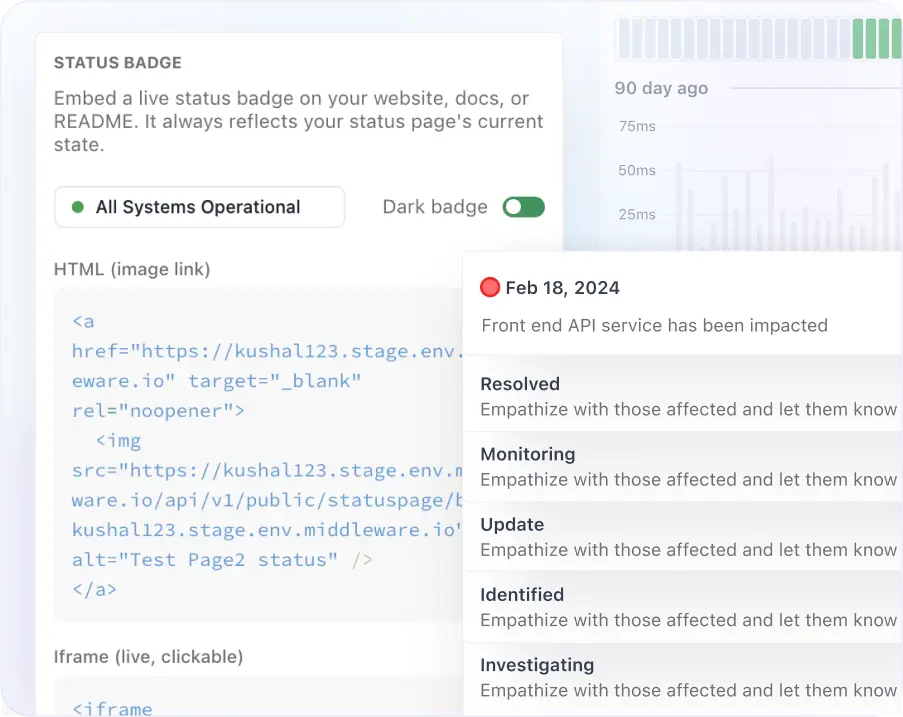
  • Create and manage incidents with predefined stages such as Investigating, Identified, Monitoring, and Resolved.
  • Keep customers informed with timely incident updates throughout the entire incident lifecycle.
  • Generate embeddable live status badges in HTML, iframe, or Markdown formats.
  • Embed live status badges on your website, documentation, customer portal, or GitHub README with automatic real-time updates.
Subscriber Notification

Notify Customers Automatically

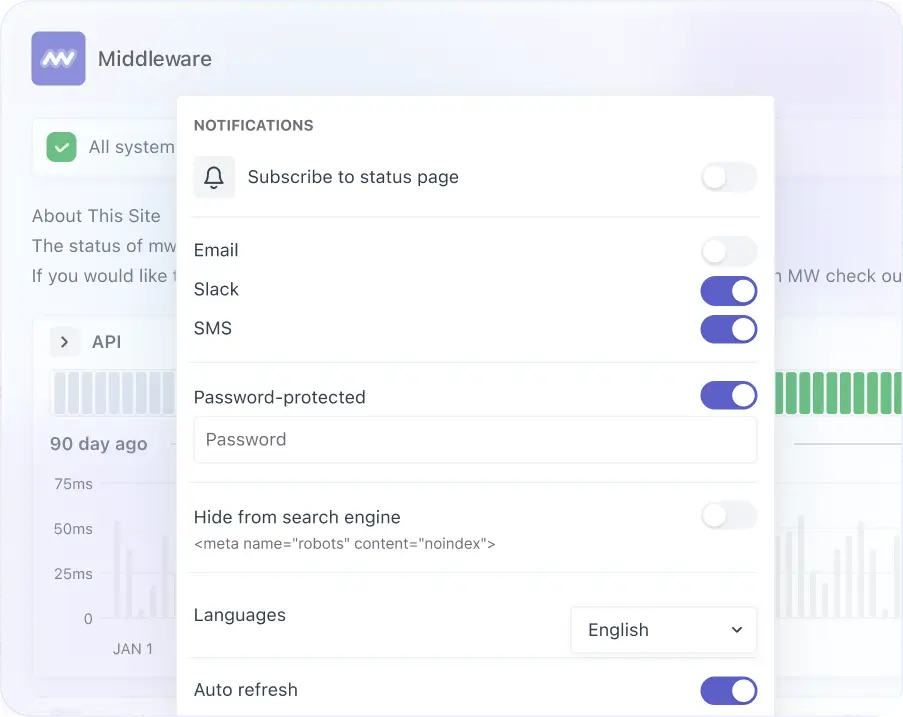
  • Manage subscribers directly in Statuspage.
  • Send consistent incident updates through your preferred channels, including email and Slack.
  • Automatically notify subscribers about incidents, updates, and scheduled maintenance.
  • Every email includes the incident title, affected services, current status, and the latest progress update.
Performance Optimization

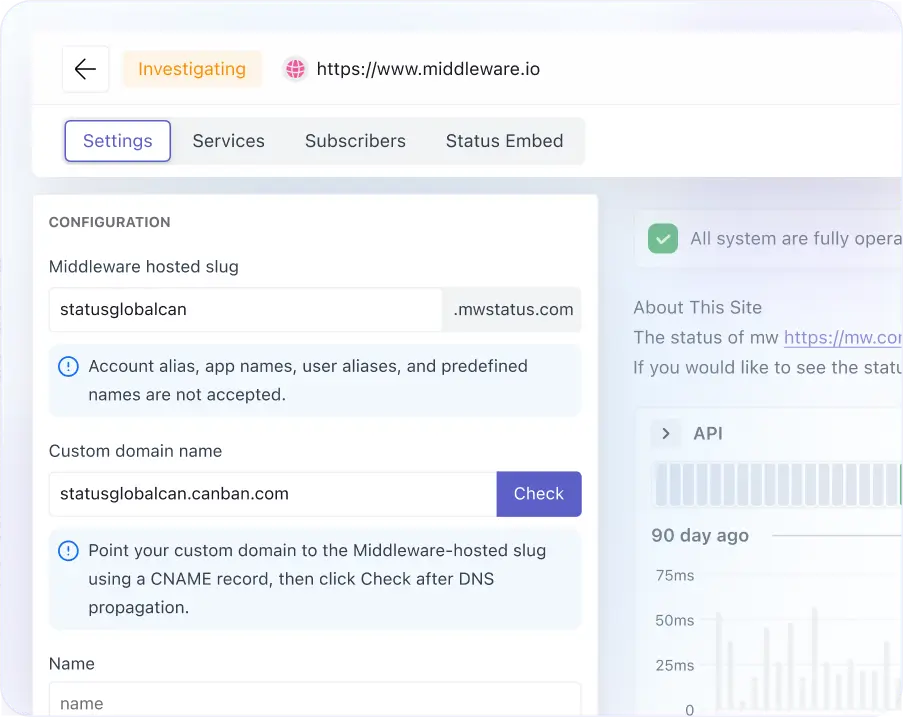
Publish a Professional Public Status Page

  • Launch your status page with a free yourcompany.mwstatus.com subdomain or connect your own custom domain.
  • Switch to a custom domain anytime without breaking existing links or bookmarks.
  • Preview your page in real time as you configure the name, URL, description, branding, and services before publishing.
Custom Branding

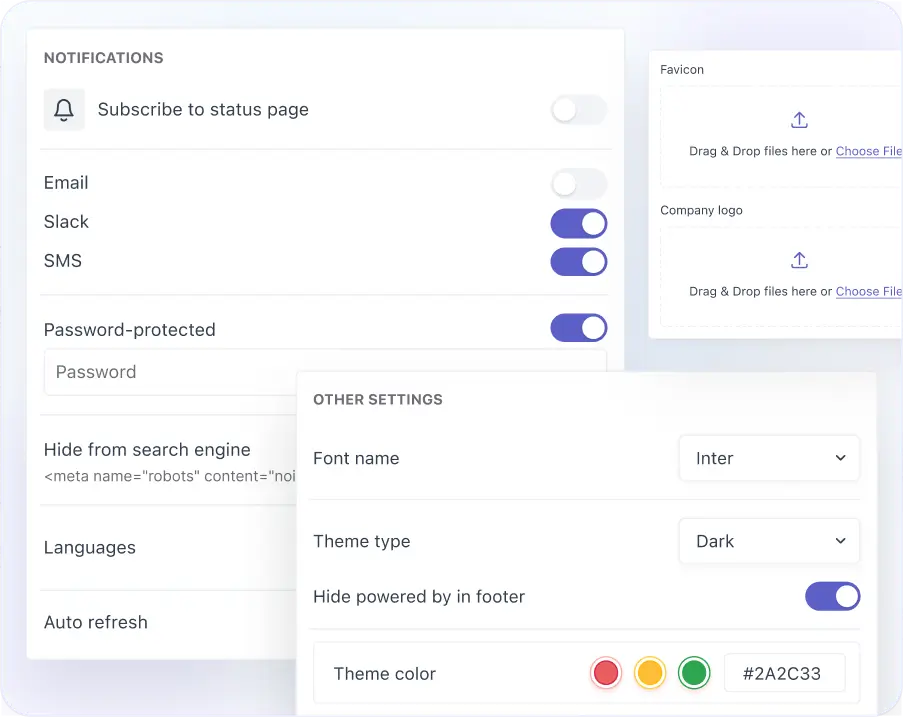
Deliver a Fully Branded Status Experience

  • Customize your status page with your company logo, favicon, and brand colors.
  • Display your own brand and product name throughout the status page experience.
  • Match your existing website by choosing from fonts like SF Pro Text, Roboto, or Segoe UI.

Create a status page with live service health and incident updates.

Hear it from the best: Why top companies trust Middleware

Middleware has played a very good role in transforming our observability and application performance. For instance, we reduced our total observability costs by 50%.

Everything You Need to Launch a Status Page

Achieve a live, branded public status page in minutes, no separate monitoring tool or DNS setup required to get started.

Hosted Slug

View Docs

Custom Domain

View Docs

Manage Services

View Docs

Subscribers

View Docs

Have Questions About Launching a Status Page?

Contact us

FAQs

Everything you want to know about the Status Page

What is a status page?

A status page is a public-facing webpage that displays the real-time health, availability, and uptime of your services. It keeps customers informed about incidents, scheduled maintenance, and service disruptions, reducing uncertainty and support requests during outages.

Why Use a Status Page?

A public status page helps reduce support tickets, improve customer trust, and communicate outages transparently. Instead of customers wondering whether your service is down, they can view real-time service health, incident updates, scheduled maintenance, and uptime history from a single trusted source.

How does Middleware Status Page work?

Middleware Status Page lets you create a branded public status page where customers can monitor service health, uptime, incidents, and scheduled maintenance. Publish your page on a free Middleware subdomain or your own custom domain, manage services, share incident updates with a public timeline, notify subscribers by email or Slack, and embed live status badges on your website or documentation.

Can I use my own domain for the status page?

Yes. Middleware lets you publish your status page using a free mwstatus.com subdomain or connect your own custom domain, such as status.yourcompany.com, for a fully branded customer experience.

Does Middleware automatically update service status?

Yes. Services linked to Middleware Synthetic Monitoring automatically update their status based on monitor results. The overall platform status is calculated in real time, eliminating the need for manual updates during incidents.

How are customers notified about incidents?

Customers can subscribe to your status page using their Slack and email addresses. Whenever an incident is created or updated, Middleware automatically sends notifications with the latest status, affected services, and progress updates.

Can I publish scheduled maintenance on my status page?

Yes. Middleware allows you to announce scheduled maintenance in advance, communicate planned downtime, and keep customers updated throughout the maintenance window with a complete timeline of status changes.

Can I embed my service status on my website?

Yes. Middleware generates embeddable status badges in HTML, iframe, and Markdown formats. You can display live service health on your website, documentation, customer portal, or GitHub README, and the badges update automatically.

Optimize More. Worry Less. With Middleware.