Browser
Testing

Monitor and analyze user activities and performance across the website and applications. Detect and resolve issues before they impact your end customer.

No credit card required

Trusted By Leading Companies

Middleware Logo
Middleware Browser testing process

Product overview

Middleware Browser Testing lets you simulate real user interactions across browsers and devices to monitor web app performance and UX. It provides session replays, core web vitals, step screenshots, error insights, cross-browser checks, and alerts to detect and fix frontend issues before users are affected.

  • TroubleshootingTroubleshooting

  • VisibilityVisibility

  • PerformancePerformance

  • Session & ReplaysSession & Replays

  • Data DrivenData Driven

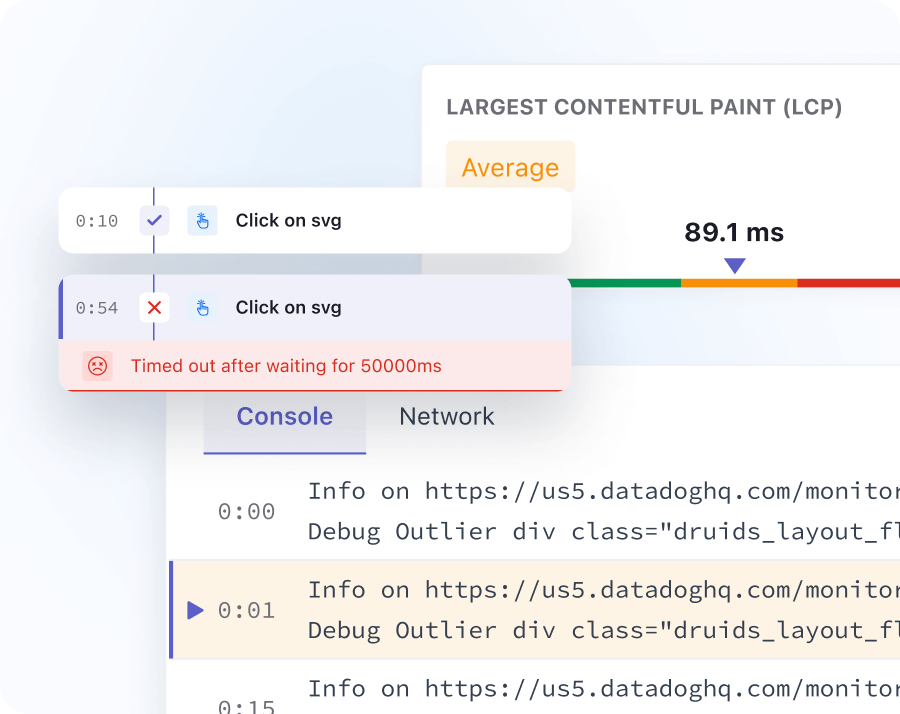
Faster Troubleshooting

Faster Troubleshooting

  • Browser testing allows you to monitor core web vitals that impact the web page’s performance.
  • Correlate browser incidents to backend traces for faster root cause analysis
  • Trace error rates after new deployment to see how it's performing.
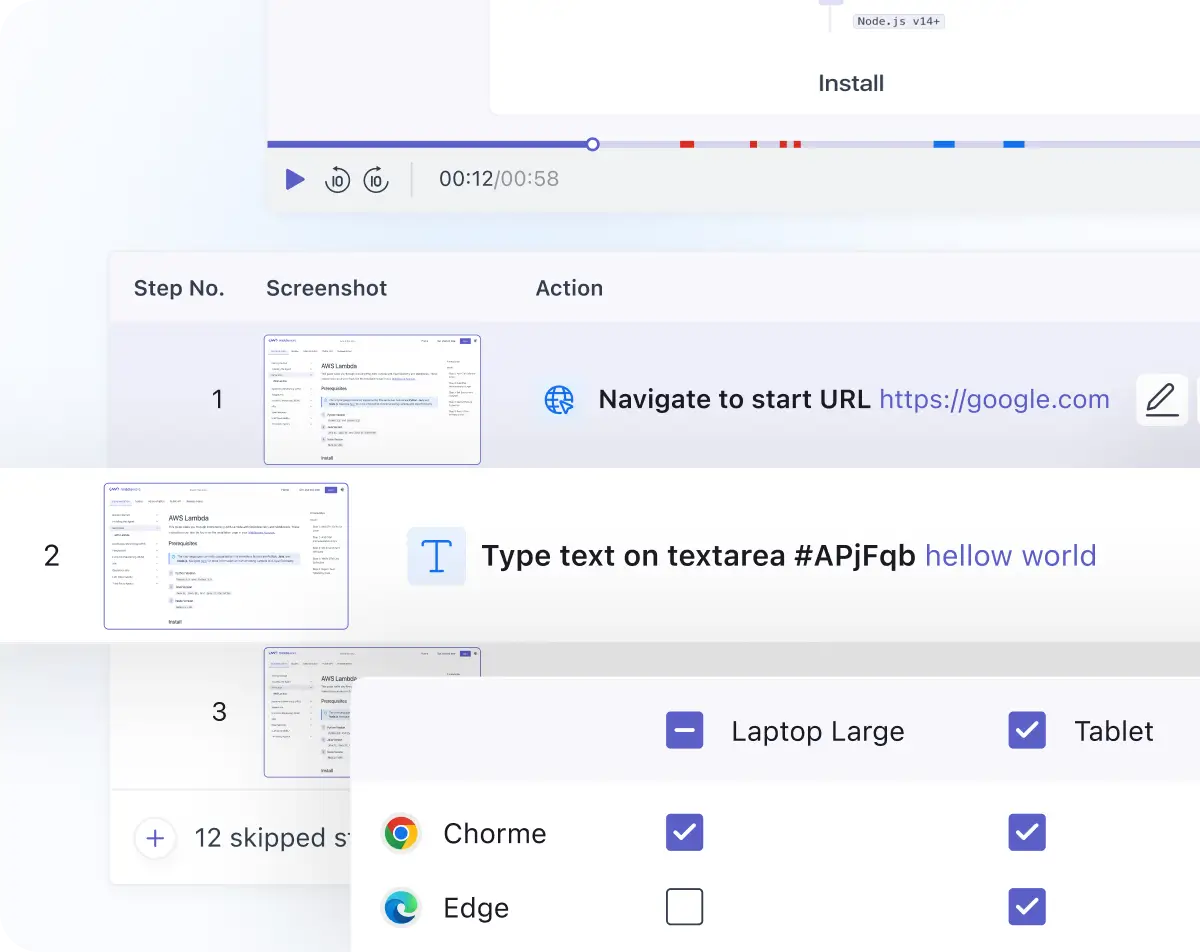
End-to-end Visibility

End-to-end Visibility

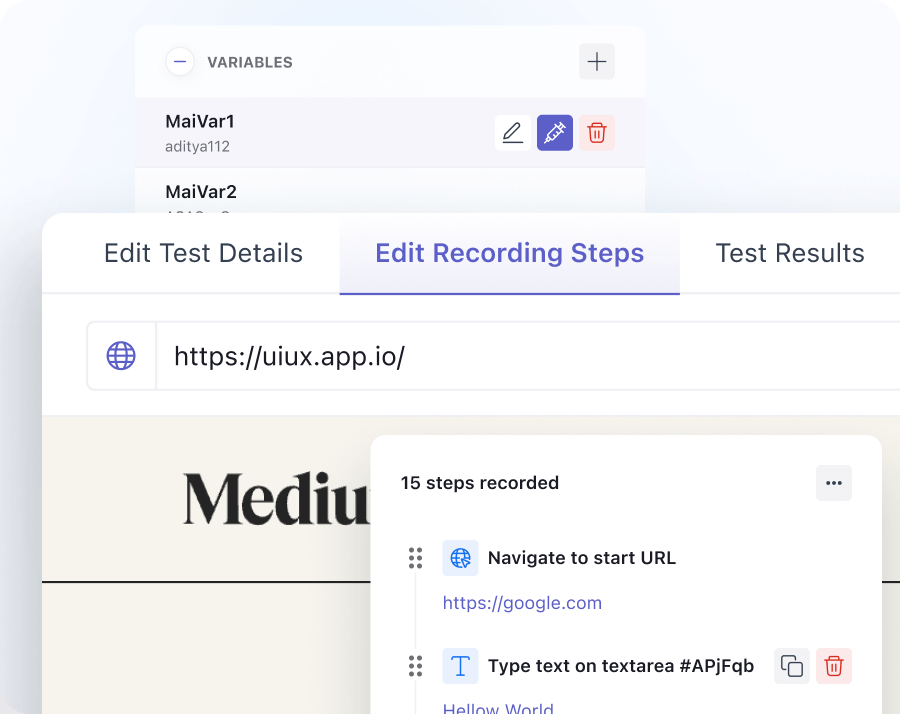
  • Easily create tests with customized assertions using our fully hosted codeless web recorder.
  • Visualize user flows with step-by-step screenshots and Session Replay, and add key context with relevant network and performance metrics.
  • Supports cross-browser testing like Chrome & Edge, different device screens for desktop, laptop & tablet.
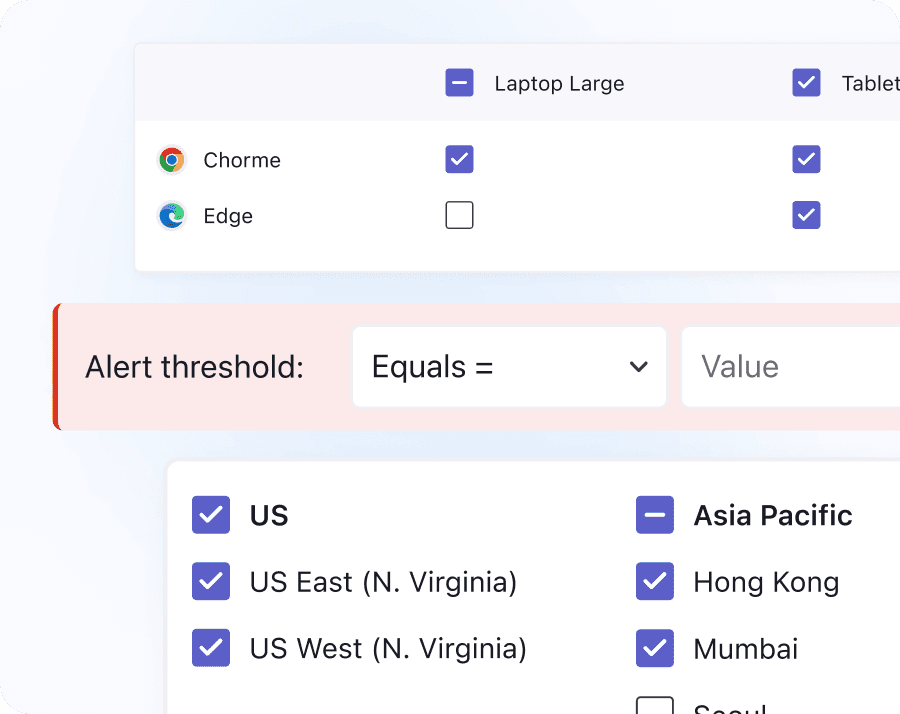
Enhance Performance

Enhance performance

  • Understand how browsers and devices affect the UX of your web applications.
  • Visualize frontend metrics and easily filter data by country, device, feature flag, etc.
  • Set alerts to be notified of front-end issues and fix them before your customers are impacted significantly.
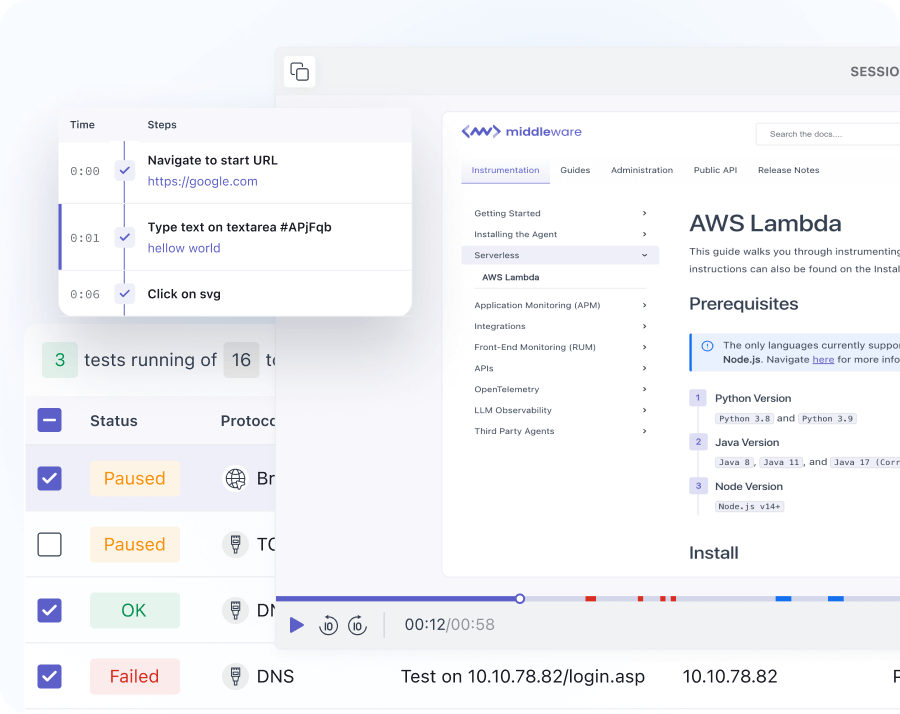
Session and Replays

Sessions and replays

  • See how users interact with your application with performance data such as core web vitals and load times.
  • View session recordings and replays for each session to understand user behavior.
  • Automatically collect and correlate every resource, error and user action during each session.
Data-driven Decisions

Data-driven decisions

  • Ingest custom metrics specific to your business and correlate them with real-time performance data.
  • Capture unique business-critical user actions, such as button clicks, logins, and signups.
  • Understand user behavior and make decisions based on data to improve customer experience.

Try it free and improve web experience for all users

Hear it from the best: Why top companies trust Middleware

Middleware has played a very good role in transforming our observability and application performance. For instance, we reduced our total observability costs by 50%.

Track Your Web Performance
Now

Google Chrome Icon

Google Chrome

View Docs

Microsoft Edge Icon

Microsoft Edge

View Docs

Still Struggling? We're Just a Message Away!

Contact us

FAQs

Everything you want to know about the Browser Testing

What is Browser Testing?

Browser testing is the process of verifying that a website or web application functions correctly, appears consistent, and performs optimally across different browsers, browser versions, devices (desktop, mobile, tablet), and operating systems. It ensures users have a seamless experience regardless of how they access your application.

What features are analyzed in a browser test?

The middleware platform checks the following features during browser testing: Functionality: Forms, buttons, navigation, and interactive elements. Visual Consistency: Layout, CSS rendering, fonts, and responsive design. Performance: Page load times, resource usage (CPU/memory), and JavaScript execution. Compatibility: Support for browser-specific features. Accessibility: Compliance with WCAG standards (e.g., screen reader compatibility).

How does Middleware Browser Testing enable faster troubleshooting?

Middleware tracks core web vitals (e.g., load times, LCP, CLS) in real-time and correlates browser-side issues (e.g., JavaScript errors) with backend traces (APIs, databases). This unified view helps pinpoint root causes, such as slow API responses impacting page rendering, and reducing troubleshooting time.

How does session replay help improve user experience for browser testing?

Session recordings capture user interactions (clicks, scrolls, errors) alongside performance data (core web vitals). This helps you: Replicate bugs reported by users. Analyze rage clicks or high drop-off points. Validate UI behavior across browsers.

Can I monitor the impact of new deployments on browser performance?

Yes! Middleware lets you trace error rates and performance metrics post-deployment. Compare pre and post-release data to detect regressions and ensure updates don't harm user experience.

Can I set alerts for critical front-end issues on browser testing?

Yes. Configure custom alerts for metrics like error spikes, slow page loads, or feature-flag failures. Middleware sends notifications via email, Slack, or integrations like PagerDuty, letting you fix issues before they escalate.

Optimize More, Worry Less With Middleware